disclaimer:
- I’m still using the stock version of the o/s shipped with Flame which is 1.3.0.0-prerelease
- I haven’t hook the device up to my Mac and do something with either AppManager, AppMaker or anything else
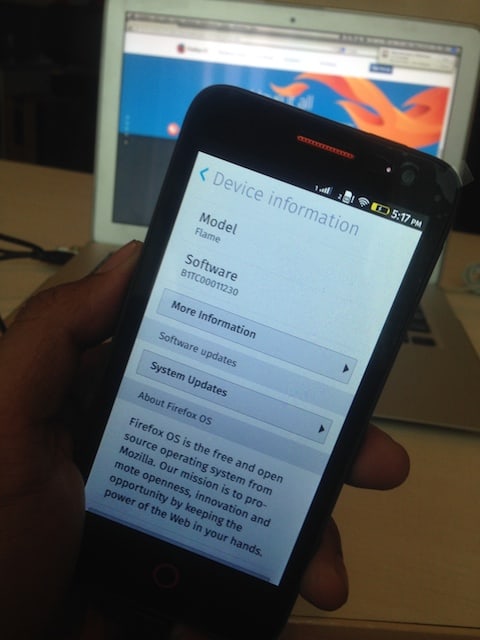
Following my previous post about unboxing Firefox OS Flame, it’s now time write a little review about the device. I was using the phone for the past week, not doing much actually. Mostly i used it for making couple of calls (voice and ussd), browsing, trying some apps, taking screenshots and photos.
So here it is.
For a very young O/S, Firefox OS has done pretty well to serve the basic, as a phone O/S. The screen is bright and nice. I hate the vibrate-when-you-press-buttons so i’ve disabled it (did it too on my G2 and Mi3). It’s somewhat different than I am used to, but seem to work fine after playing for a while. The battery is so good IMO. It can be a day phone compare to … my iPhone 5 🙂 You can leave the Flame unplugged overnight after some playing around with it and it just cost you about 25% of the juice. I was using it in 3G GSM mode most of the time, not yet trying to use it for tethering.
-

-
Notification take too long to disappear >5 secs
-

-

-

-

-

-

-

-
WiFi OK
Mail is one of my must-have app. And Firefox OS mail app is doing fine. Setting up account, fetching the mail and reading and compose. Right now, you can only attach video, music or photos from your gallery or taking picture with the camera.
-

-
setting up mail account (gmail)
-

-
setting up mail account
-

-

-

-
mail list
-

-
search email
-

-
view an email
-

-
delete confirmation
-

-
fetching attachment
-

-
delete multiple mails
-

As photographer and heavy Instagram user, I use camera a lot. Flame’s camera is decent enough to take pictures but not by my standard. It might be unfair because I’m using iPhone’s and G2’s camera so far. Well leave the metering filter and all the fancy things, it’s nice if you can at least pick your own focus instead of the “auto focus” offered by the camera app. You’ll now what I mean when you try it.
These are some picture i took. Indoor in CGK airport. The light was enough to take pictures without adding flash. And I was surprised that online exif viewer I used said the photos were taken at f/2.6 🙂 My Mac’s Preview app said it’s f/2.8.
-

-
taken with Firefox OS Flame
-

-
taken with Firefox OS Flame w/ flash
-

-
taken with Firefox OS Flame
-

-
taken with Firefox OS Flame
-

-
taken with Firefox OS Flame
-

-
taken with Firefox OS Flame
-

-
taken with Firefox OS Flame
-

-
taken with Firefox OS Flame
-

-
taken with Firefox OS Flame
-

-
taken with Firefox OS Flame
-

-
taken with Firefox OS Flame
-

-
taken with Firefox OS Flame
-

-
taken with Firefox OS Flame
Sample of EXIF reading
-

-
using FxIF 0.4.7.1 extension
-

-
Mac’s Preview.app
These are photos taken with my iPhone 5 for comparison:
-

-
taken with iPhone5
-

-
taken with iPhone5
-

-
taken with iPhone5
-

-
taken with iPhone5
-

-
taken with iPhone5
Good thing is in Firefox OS 2.0 the camera app seems to have an upgrade. Rara showed me her Flame (which’s been upgraded to 2.0 nightly) camera app can do manual focus selection. You’ll see that green square box showed up when you touch a focus area in your screen. But still. the JPEG output still need a lot of work.
Apps.
Well like i said, i used the Flame for browsing. So i have nothing more to say about the browser. It’s Firefox anyway 😀
I’m still using the stock apps. Camera, Messages, Facebook, Twitter and Market Place. Annoying part is when you run an ‘app’ there’s a time when you need to go back to the previous stage/screen of the app. There’s no Back button in place. Instead, there’s a tiny face down white arrow in the bottom right corner of the screen. You have to gently slide/touch it up to bring up the set of back-forward-refresh button.
-

-
if you have big fingers than it may cause trouble 🙂
-

-
android style?
I haven’t test the FM Radio yet.
The voice call is also crisp and clear. But the first major problem i’ve encountered was from the dialler app. I was filing a bug for not being able to make USSD calls using ZTE Open C with Firefox OS 1.1. Now in 1.3, the USSD feature is still buggy.
In Indonesia, USSD is the main course for operators to help their customer accessing their services. Because its menu driven view. My case was:
1. making USSD call to *888# (Telkomsel) to check my balance. OK, hung up.
2. after top up, make call to *888# again and hung up.
3. call to *363# to view the data related services offered by Telkomsel. browse along the menu, and found 1 menu taking too long to get the response. hung up
4. retry #3 and try different menu, found 1 menu too long to response. hung up.
5. retry #3 and after press call suddenly FFOS gave me session expired confirmation.
6. trying different USSD short codes, same behaviour appeared. Session expired message right after you press that green call button.
So i have to do the Blackberry way, take out the battery, wait for couple of seconds, put it back and turn the phone on. USSD back to normal. (????) 😛
Once, i left the phone powered off for a whole night. When i turn it on in the morning everything looks normal. I saw the red Thundersoft splash screen followed by the blue firefox os boot up screen. But after that blank. Only a screen with that green grass background, no icons, no text, nothing. I’ve press all the buttons, slide up down left right still no changes. It went back to normal after i turned the phone off and wait for couple of seconds and turn it back on.
-

-
tadaaaa, icons are gone
-

-
and then goes white
-

-
had to power off + power on
-

-
back to normal
I also have a case when my SIM card suddenly not recognised. Back to normal after i set the airplane mode on, wait for couple of seconds and turn the airplane mode off.
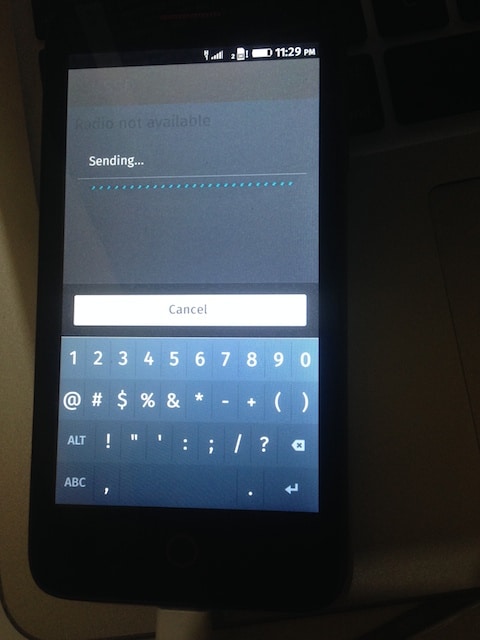
Last update, when i’m writing this post, I call to *363#, choose menu #8 and then #1 to check my status, got Radio not Available. Then i enter 9, it should return incorrect keyword but i got stuck in “sending….” status instead. And it went like that for minutes until i took off the battery.

Stuck in this state for minutes until remove the battery
*yawn* That’s all i can write this time. I think FFOS 1.3 still has many issues, specially the USSD and the O/S stability. I’ll try to play it around a little longer before decide to try the FFOS 2.0 nightly.
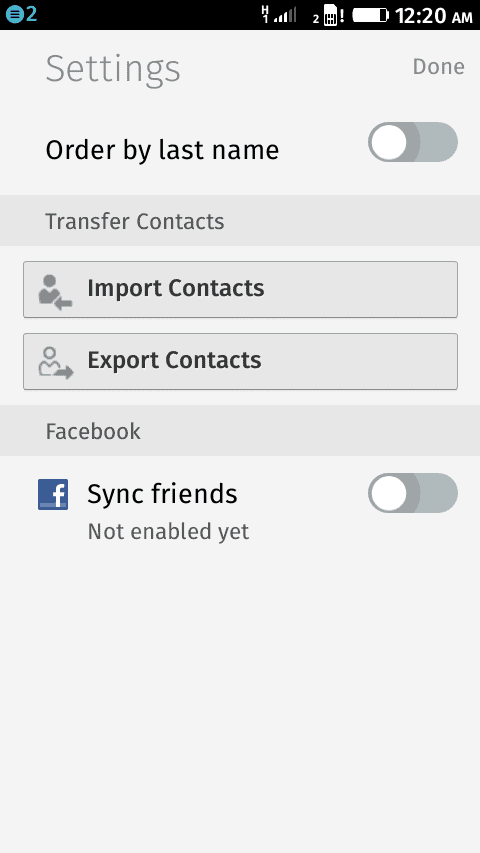
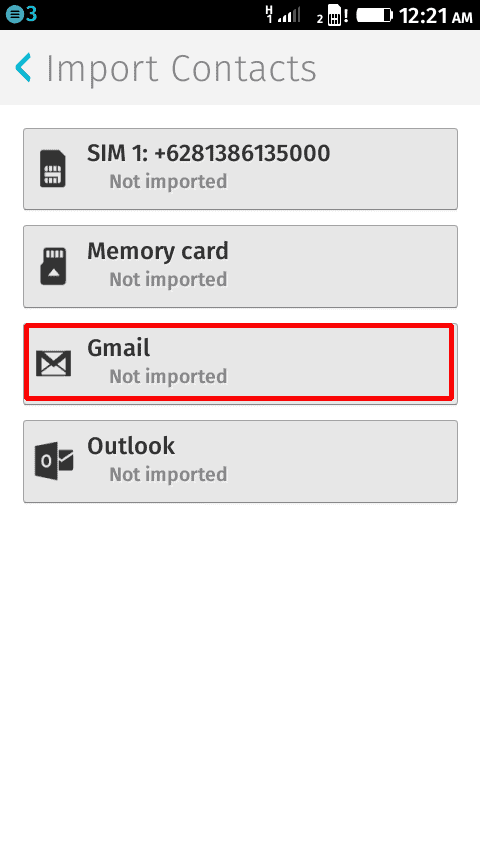
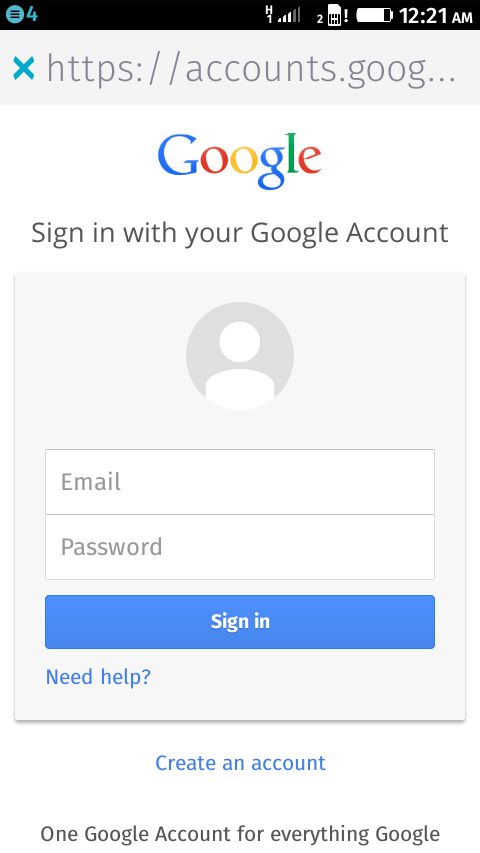
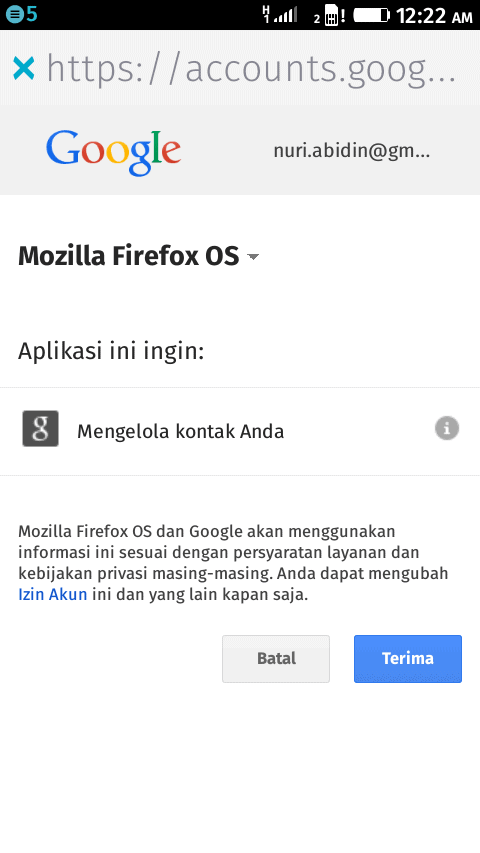
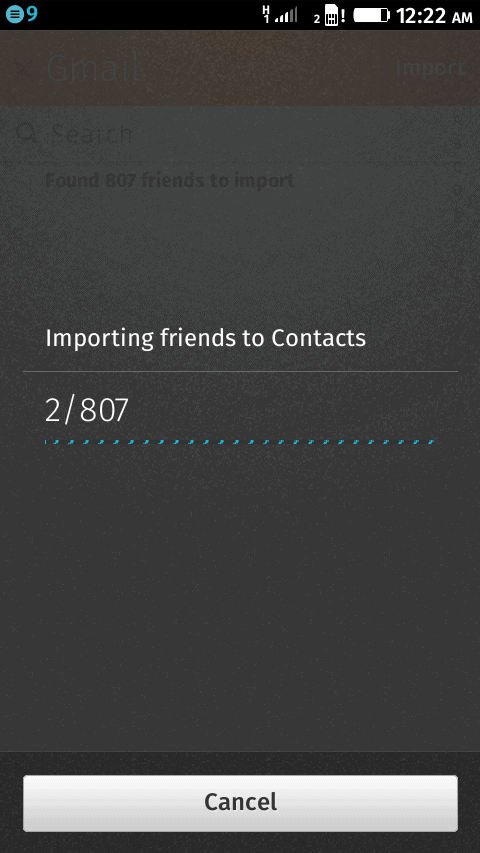
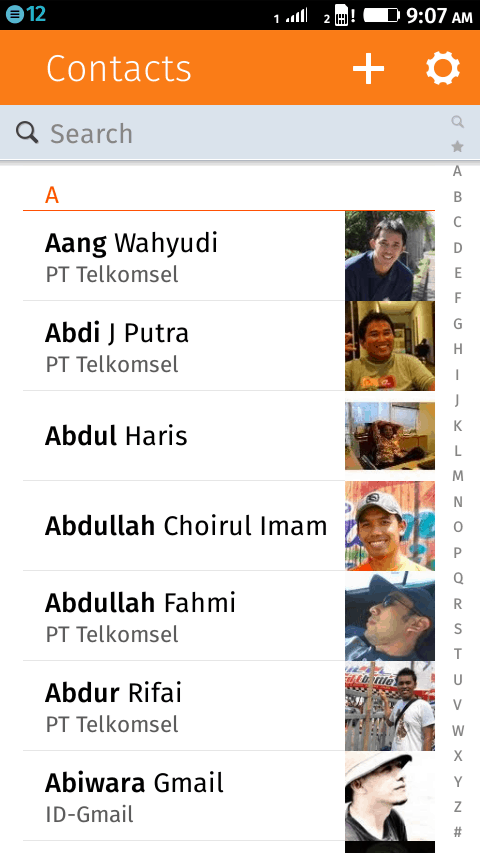
Anyone know how to import my Google/iCloud contacts to the Firefox OS contact?

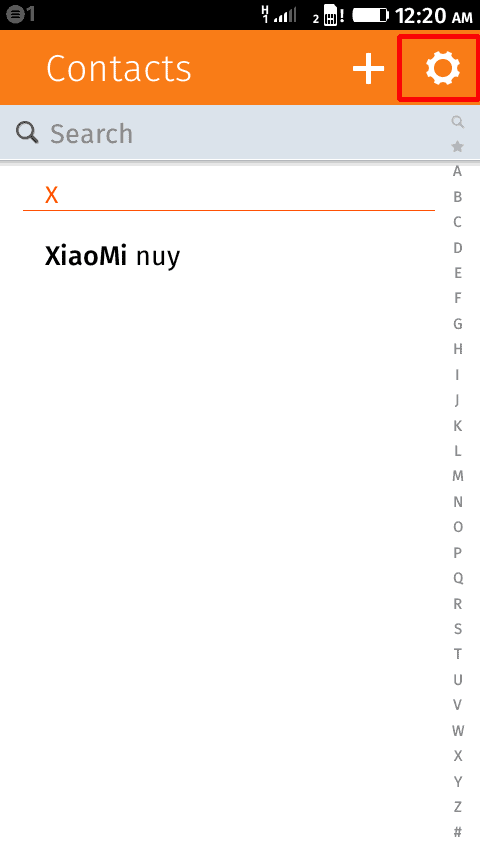
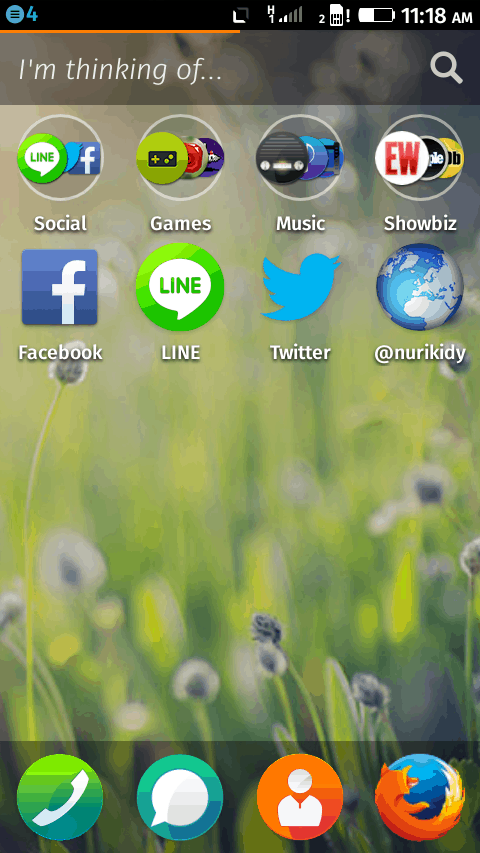 2. Click on the Gear icon on the top right corner of the screen. I have only 1 entry in my contacts.